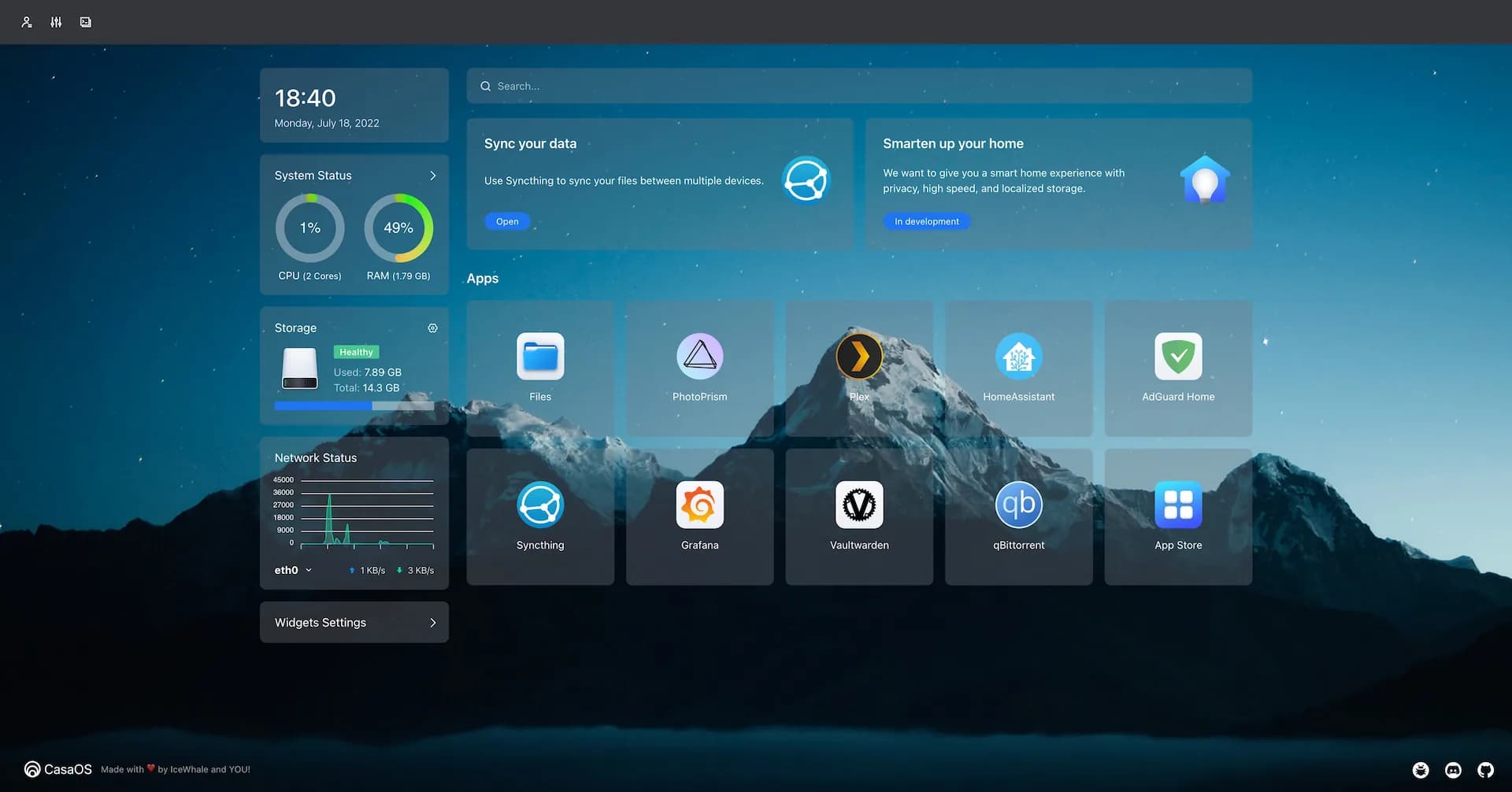
CasaOS is a free, open-source home cloud dashboard from IceWhale, the company behind the ZimaBoard. Despite the name it is a layer over an existing Debian or Ubuntu system rather than a full operating system: it adds a web dashboard, a file manager, and a Docker app store to a Linux machine you already run.
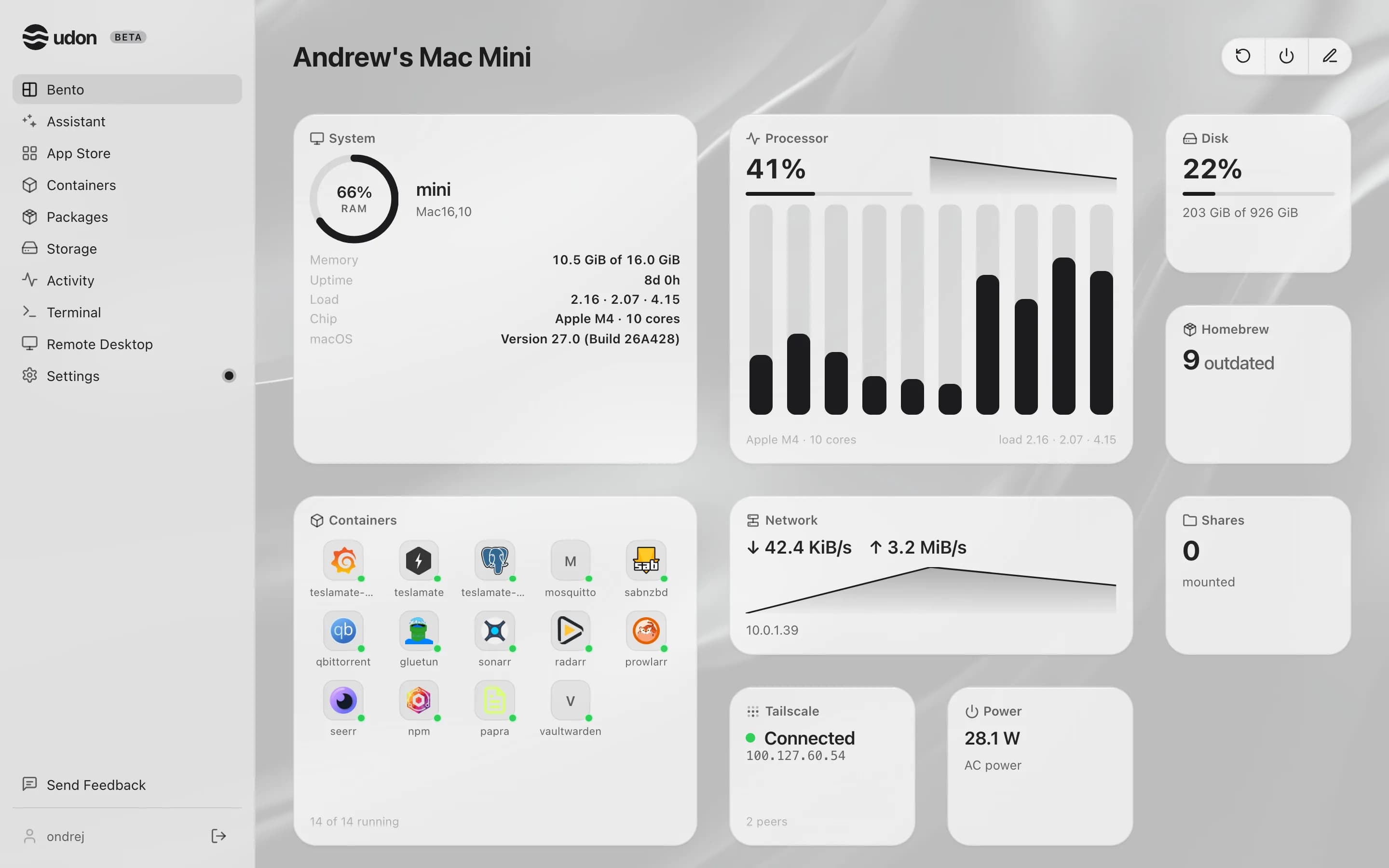
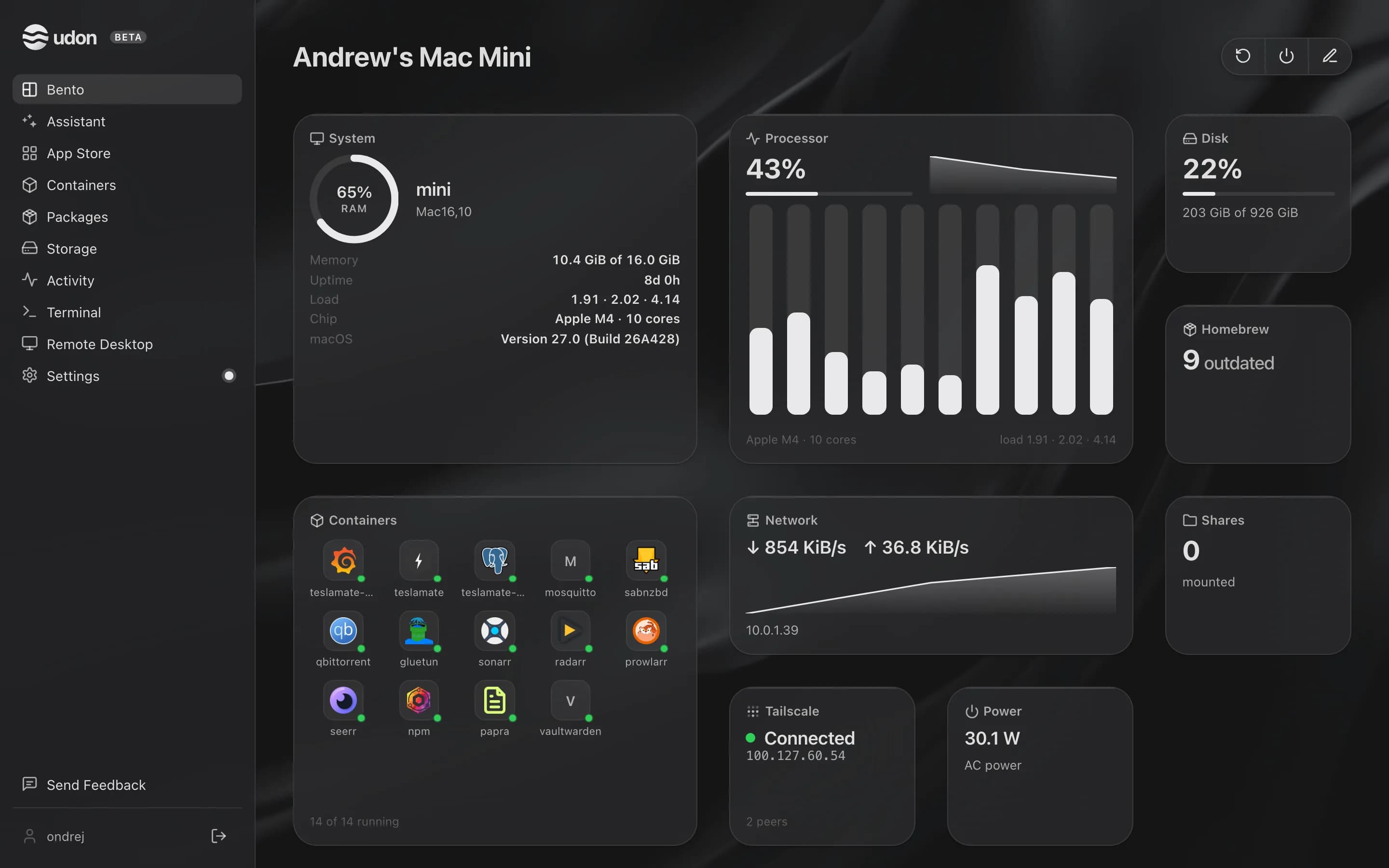
Udon is home server software for Apple Silicon Macs running macOS 26 or later. It runs alongside macOS as a background service and adds a browser dashboard for containers, file sharing, Homebrew packages, remote desktop, and an AI assistant.
The main difference between CasaOS and Udon
Of the systems people compare Udon to, CasaOS is the closest in shape: both are a service you add to an operating system you already run rather than an OS you install from scratch. CasaOS assumes Linux and stays close to Docker. Udon assumes a Mac and reaches into it: Apple Container or OrbStack for containers, Homebrew for packages, Screen Sharing for remote desktop, and the menu bar for status.
They also differ in how they are made. CasaOS is open source, free, and community-driven, with the pace and rough edges that brings. Udon is a commercial product: closed source, signed and notarized binaries, a paid license, and one team accountable for support.
CasaOS usually lands on a single-board computer or a repurposed PC. Udon gets Apple Silicon, which means desktop-class performance at a few watts idle, no fan noise, and a machine Apple keeps on macOS updates for years; a used M-series Mac mini is one of the cheapest ways to put that much compute in a homelab.
CasaOS vs Udon side by side
| CasaOS | Udon | |
|---|---|---|
| Runs on | An existing Debian or Ubuntu install | An Apple Silicon Mac, macOS 26 or later |
| What it is | A dashboard layer over Linux | A daemon layer over macOS |
| Containers | Docker | Apple Container or OrbStack (Docker-compatible) |
| Packages | Whatever the Linux distro provides | Homebrew, managed from the dashboard |
| Remote desktop | None built in | Built in, to the Mac's screen |
| Price | Free and open source | $29 one time per Mac, after a 14-day trial |
Pick CasaOS when
- Your server is a Linux box or single-board computer.
- You want free, open-source software you can read and patch.
- Docker and the community app store cover what you run.
- Tinkering is part of the fun for you.
Pick Udon when
- Your spare machine is a Mac, and macOS should stay on it.
- You want file sharing, remote desktop, and an AI assistant in one place.
- Signed binaries and a support contact matter to you.
Try Udon on your Mac
The quickest comparison is Udon on your own Mac. It is free for 14 days, then $29 to own:
curl -fsSL https://udon.sh/install | bash