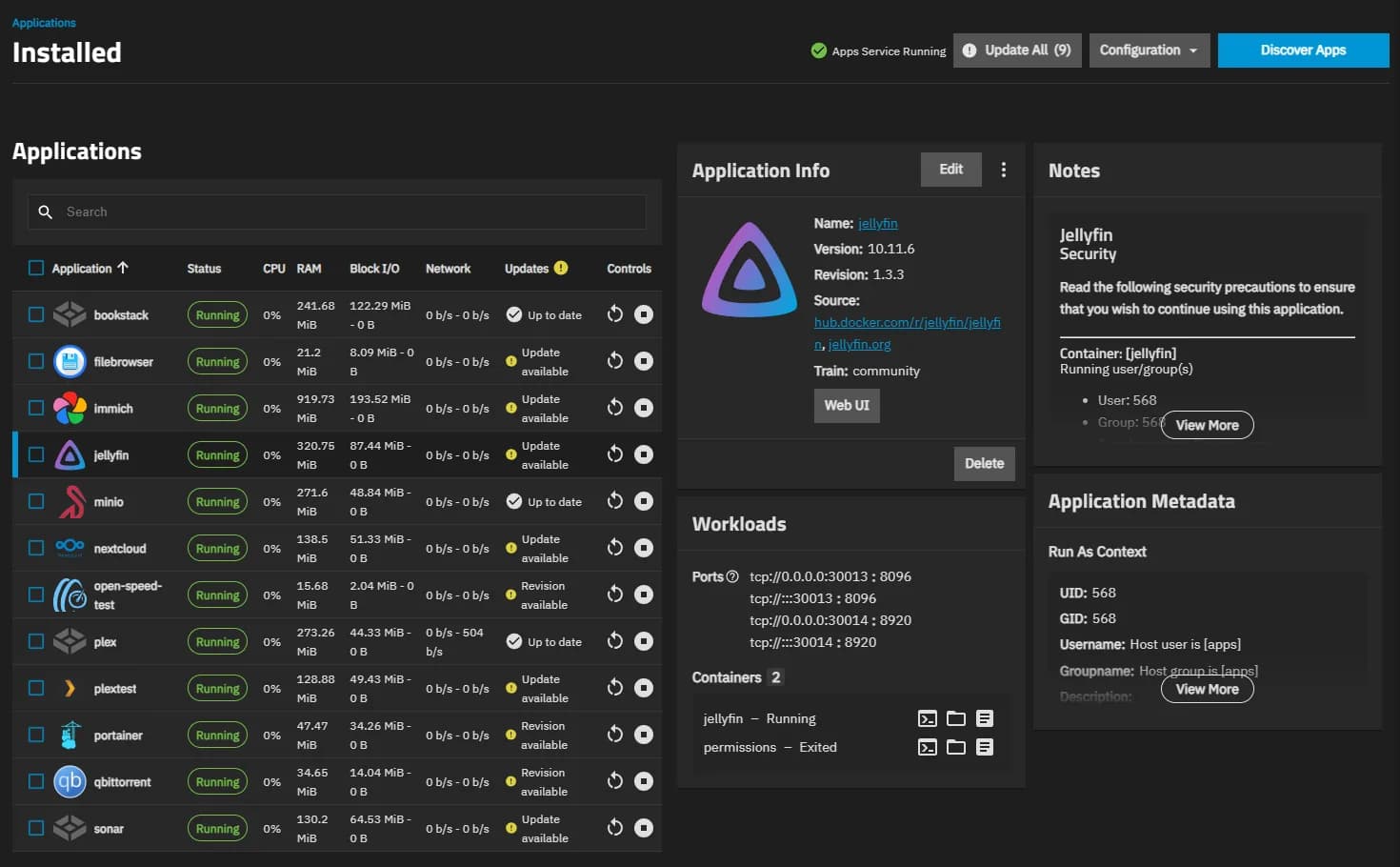
TrueNAS is a free, open-source storage operating system from iXsystems, built around ZFS from end to end: pools, snapshots, replication, and SMB, NFS, and iSCSI shares. The current Debian-based line runs apps as Docker containers, and the same software powers iXsystems' enterprise appliances.
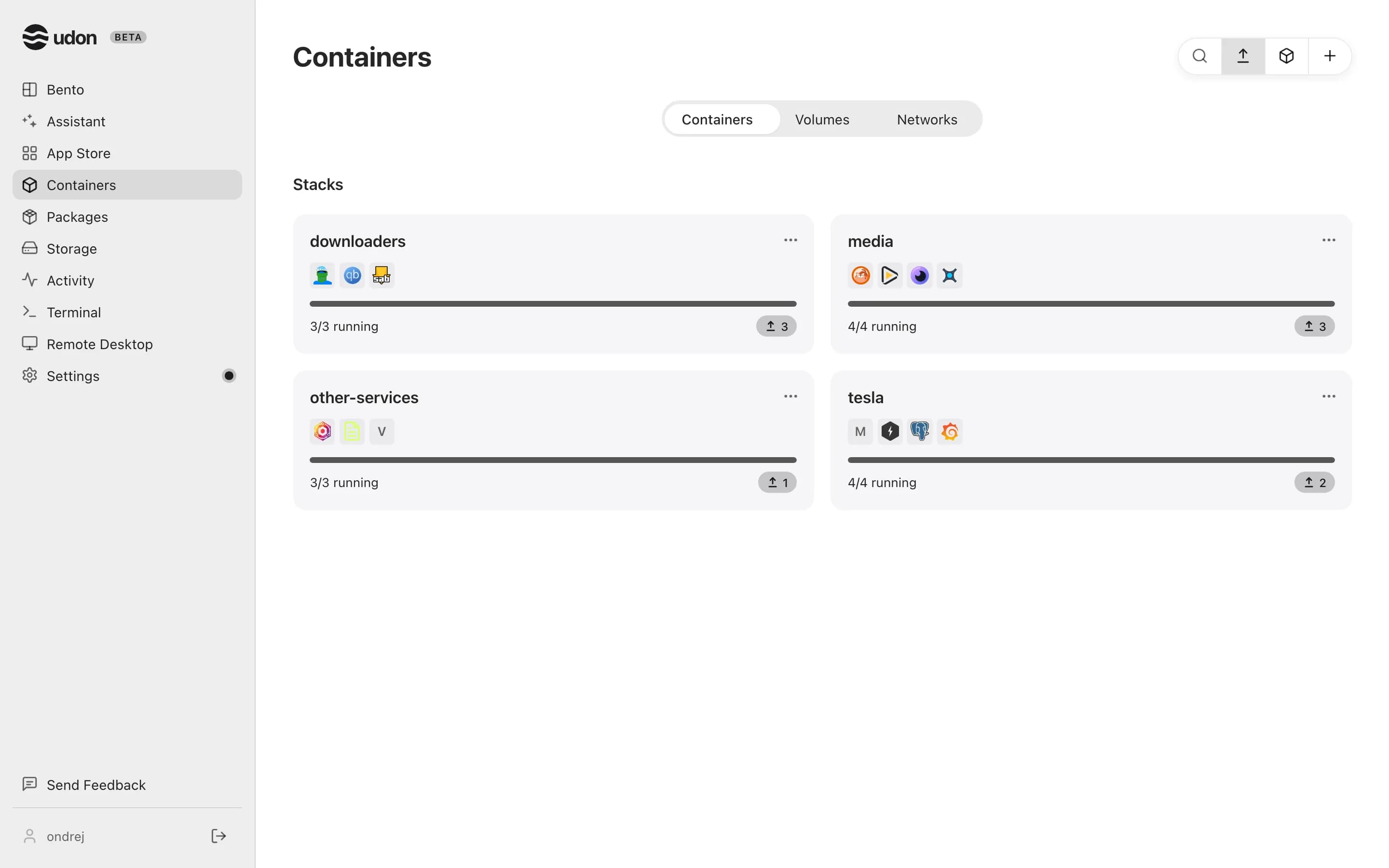
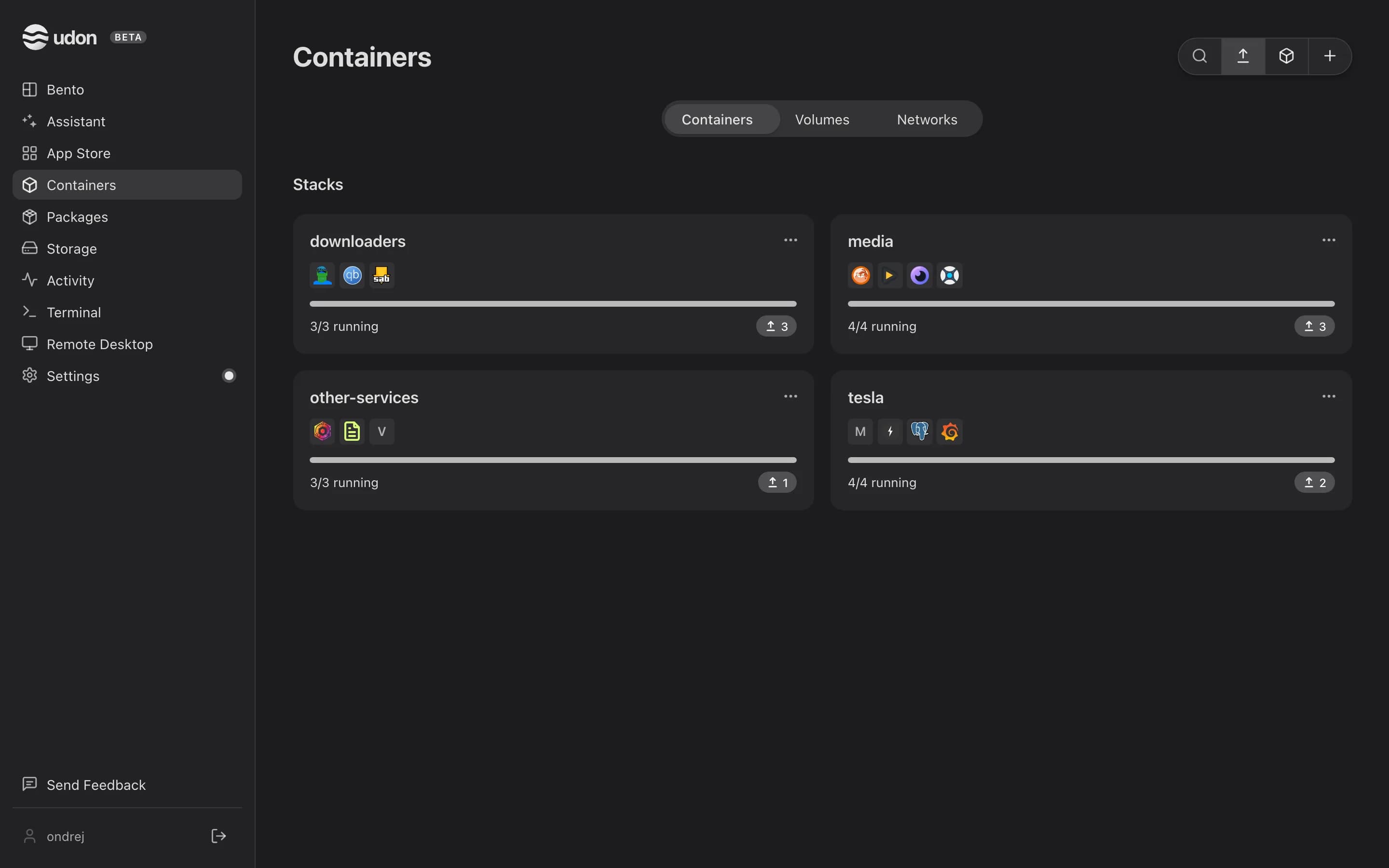
Udon is home server software for Apple Silicon Macs running macOS 26 or later. It runs alongside macOS as a background service and adds a browser dashboard for containers, file sharing, Homebrew packages, remote desktop, and an AI assistant.
The main difference between TrueNAS and Udon
TrueNAS is storage first. It assumes a dedicated machine, rewards plenty of RAM, and exists to keep data intact: ZFS checksums every block, snapshots are cheap, and replication to a second box is built in. Apps are a layer on top of that foundation.
Udon is Mac first. Drive pooling and RAID are on its roadmap, so today it serves whatever drives macOS sees and puts its weight into running things: containers, packages, remote desktop, and file sharing. If bit-level data integrity across a drive pool is the job today, TrueNAS is built for exactly that.
A TrueNAS build wants a dedicated x86 machine and plenty of RAM for ZFS, and it draws like one. An Apple Silicon Mac mini gives desktop-class performance at a few watts idle, in silence, for $599 new, and Apple keeps that hardware on macOS updates for years. For a homelab that runs services more than it archives drives, that is a lot of machine per watt and per dollar.
TrueNAS vs Udon side by side
| TrueNAS | Udon | |
|---|---|---|
| Runs on | A dedicated x86 machine | An Apple Silicon Mac, macOS 26 or later |
| Operating system | Its own Debian-based OS | A daemon on top of macOS |
| Storage | ZFS pools with snapshots and replication | The Mac's own drives; pooling on the roadmap |
| Sharing protocols | SMB, NFS, iSCSI | SMB shares, plus a file manager in the browser |
| Containers | Docker | Apple Container or OrbStack (Docker-compatible) |
| Price | Free and open source | $29 one time per Mac, after a 14-day trial |
Pick TrueNAS when
- ZFS checksums, snapshots, and replication are the point of the build.
- You have dedicated multi-drive hardware and the RAM to feed it.
- You need enterprise sharing protocols like iSCSI.
- You want free, open-source software with an enterprise track record.
Pick Udon when
- One Mac is the whole fleet and you want it doing more.
- Performance per watt matters: Apple Silicon serves all day on a few watts.
- You want services running without operating a storage OS.
- Remote desktop and Homebrew matter to your setup.
- The Mac should stay a Mac while it serves.
Try Udon on your Mac
The quickest comparison is Udon on your own Mac. It is free for 14 days, then $29 to own:
curl -fsSL https://udon.sh/install | bash