Introduction
Udon is a remote management tool for macOS with a browser dashboard and a phone companion app.
Use Udon to run containers and apps, share folders, monitor system resources, and manage user accounts.
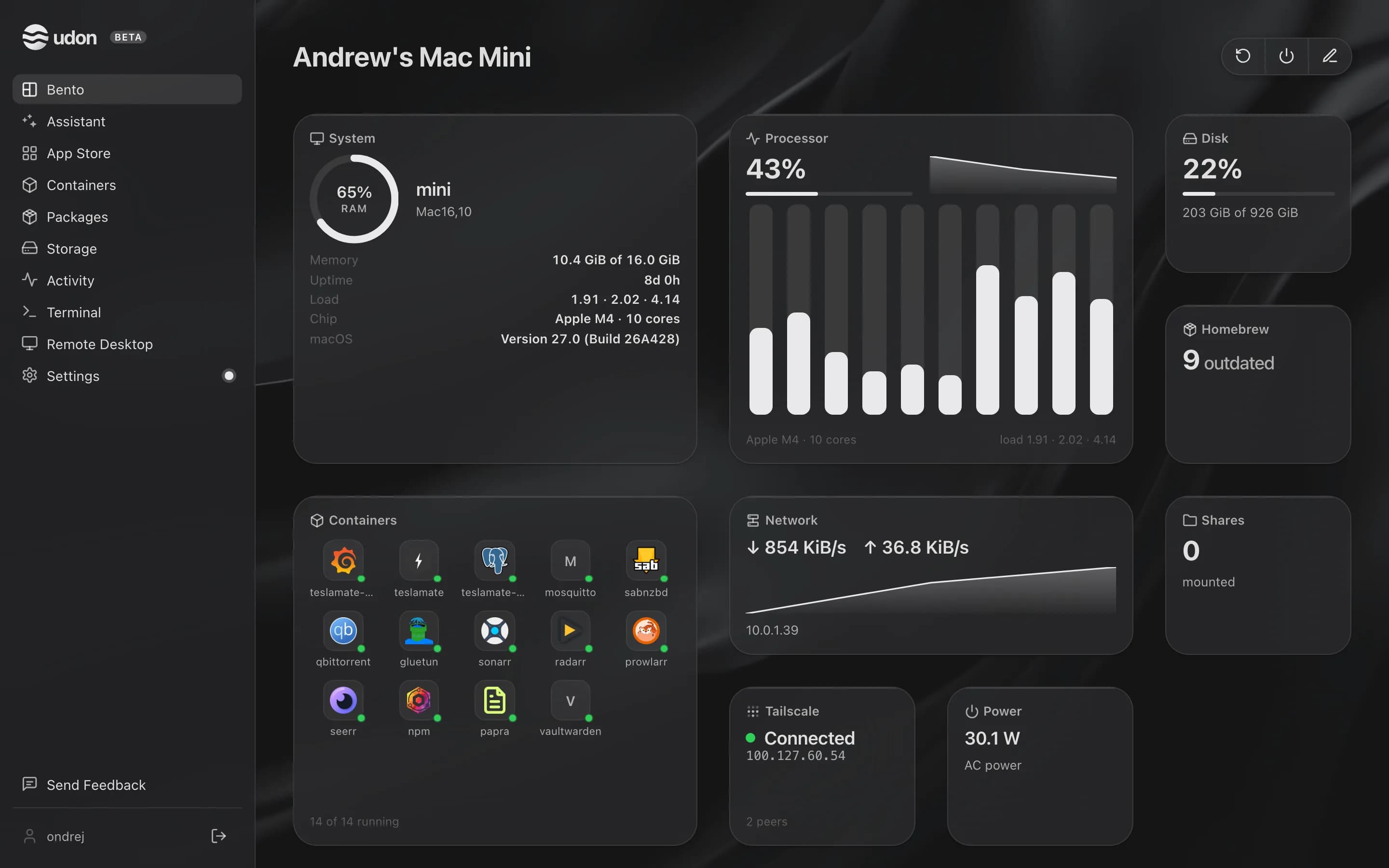
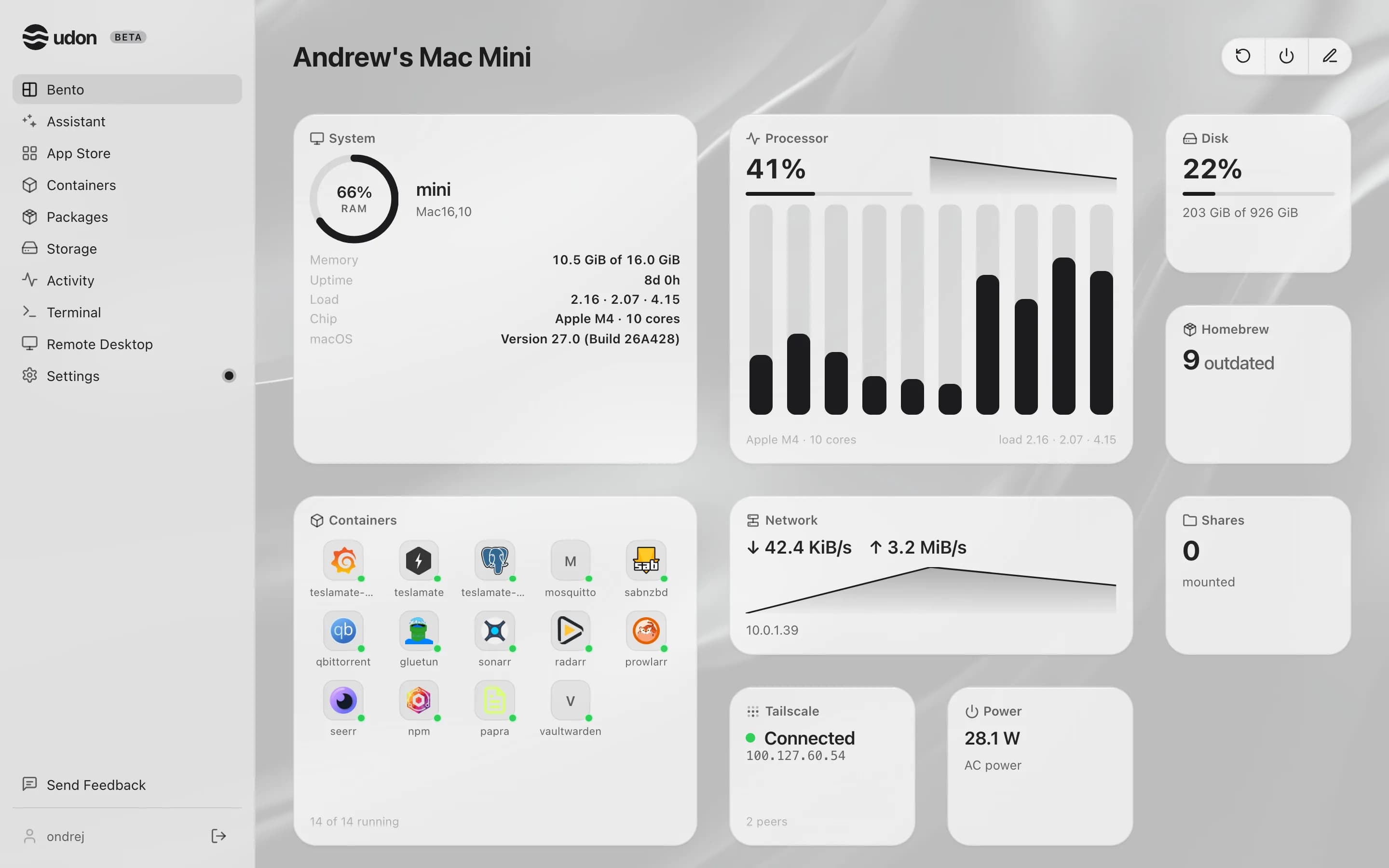
Udon is in early development. Expect changes without notice.
Requirements
- Apple Silicon Mac (M1 or newer) on macOS 26 or later
- One owning macOS administrator account, signed in to the desktop for installation
To run containers, add Apple's container, which the
installer offers to install, or use OrbStack if you already run it. You can finish Udon setup
without a container engine.
What's inside
Install Udon, create your account, and run everything else from the dashboard.
The dashboard
Tiles, custom widgets, wallpaper, and Cmd+K search.
Containers
Run, deploy, and group containers into stacks.
App Store
Install ready-to-run apps from the catalog.
Packages
Install and update Homebrew packages.
Storage & files
Browse disks, share folders over SMB, move files.
Network & remote access
Reach Udon from anywhere over Tailscale.
Terminal & remote desktop
Open a shell or view the Mac's screen.
AI assistant & MCP
Deploy and debug apps by chatting.
Workflows
Guided jobs the assistant runs for you.
Activity
Watch processes live and stop what misbehaves.
Monitoring
Live CPU, memory, network, and disk.