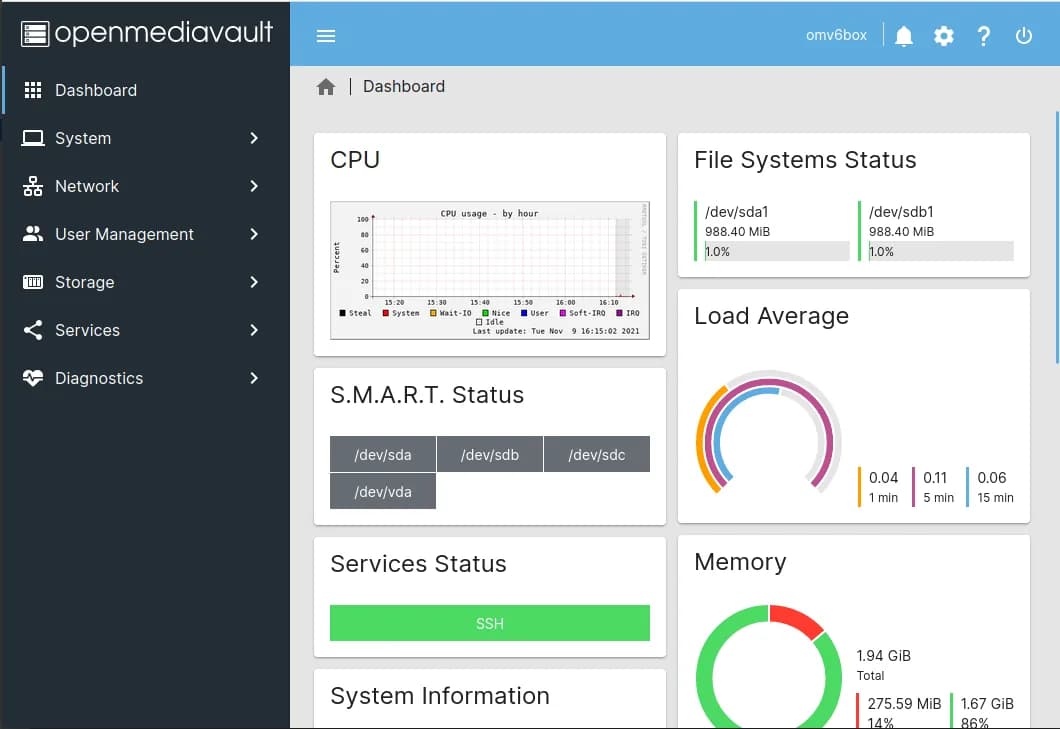
OpenMediaVault is a free, open-source NAS operating system built on Debian. It is the plain way to make a Linux box a file server: software RAID, SMB and NFS shares, and a tidy web UI, with Docker and much else a community plugin away. It runs on old x86 hardware and Raspberry Pis alike.
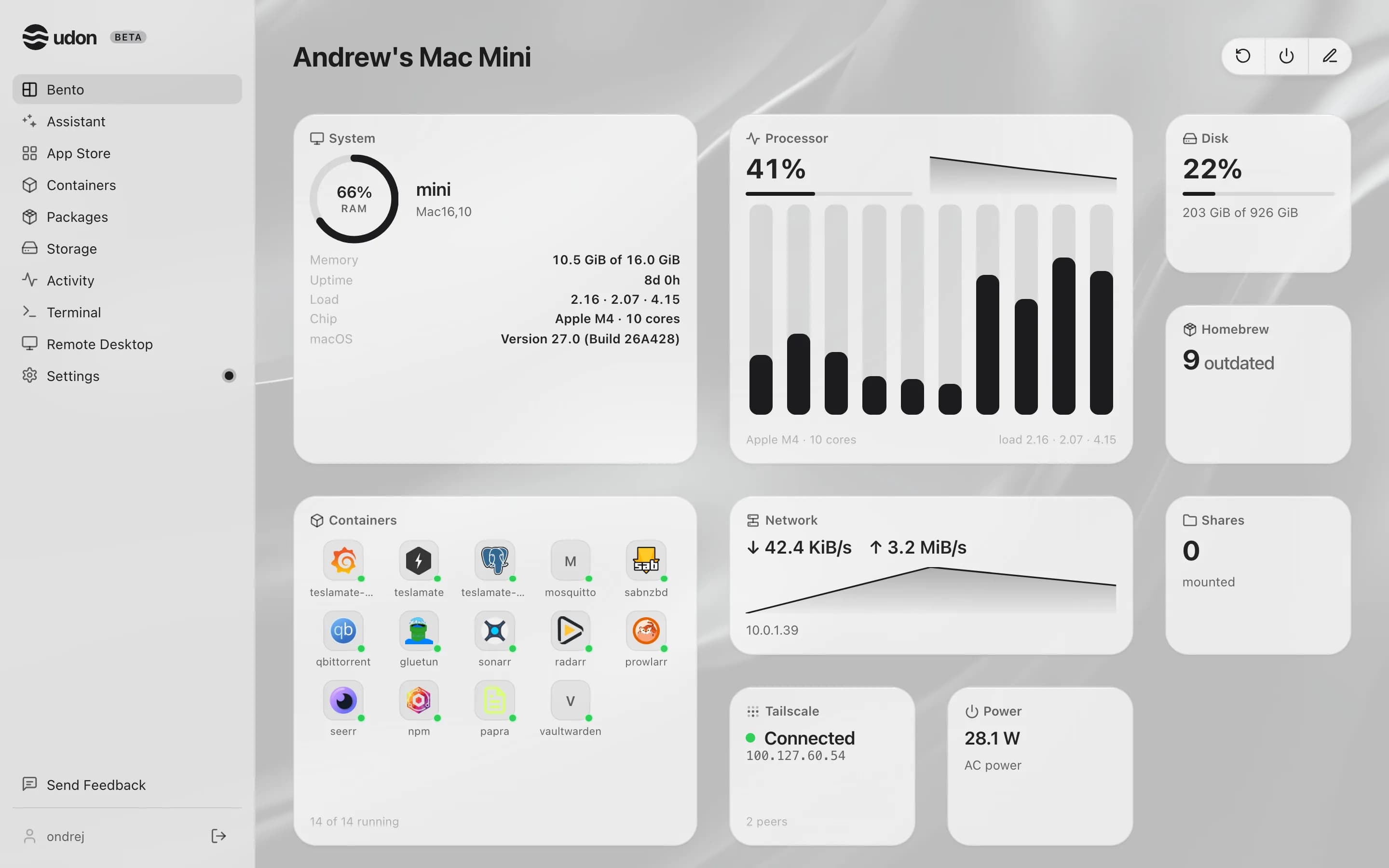
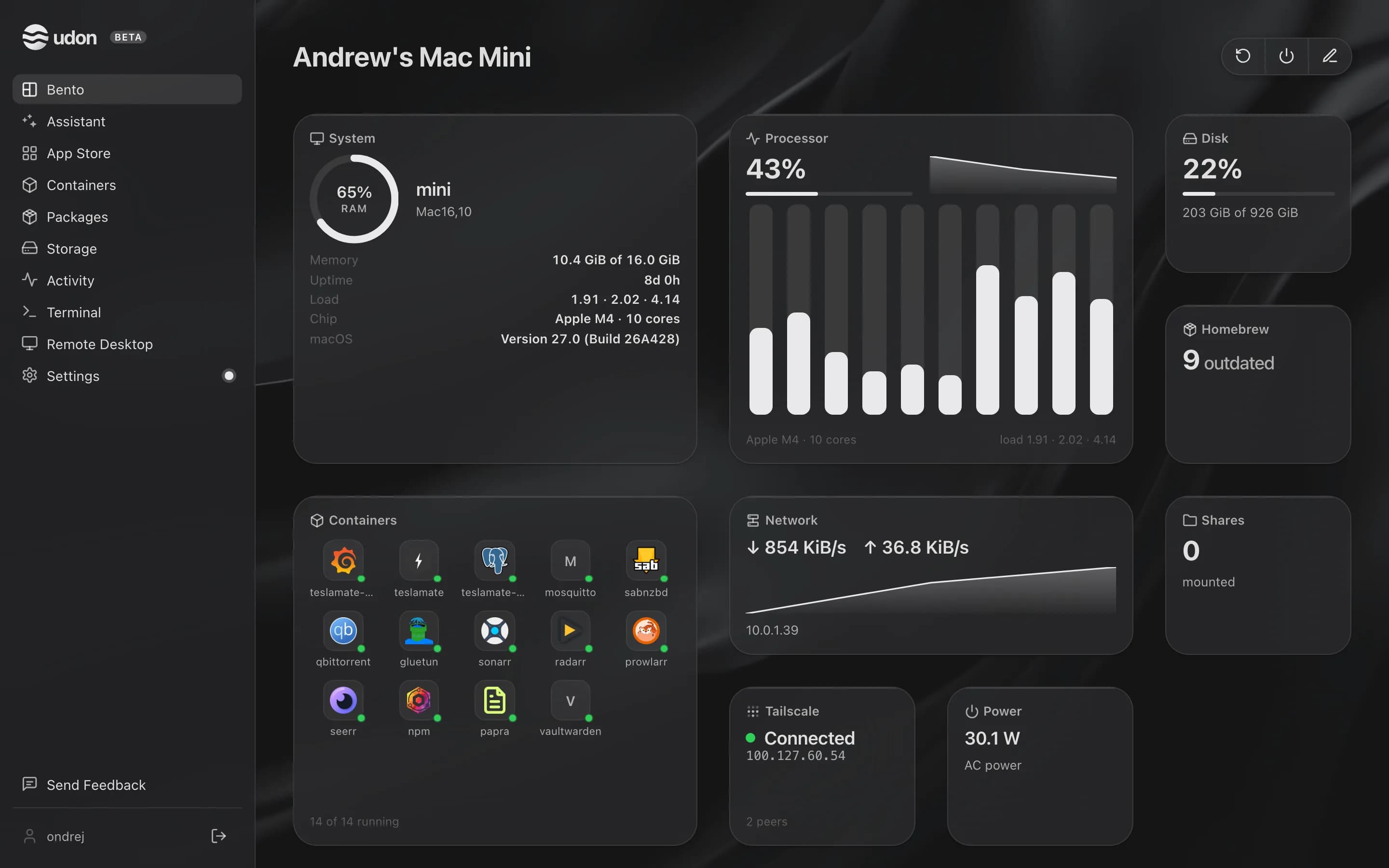
Udon is home server software for Apple Silicon Macs running macOS 26 or later. It runs alongside macOS as a background service and adds a browser dashboard for containers, file sharing, Homebrew packages, remote desktop, and an AI assistant.
The main difference between OpenMediaVault and Udon
OpenMediaVault expects you to bring a Linux box and assemble the rest: the base install does shares and RAID, and plugins add Docker, backup, and the extras. Udon ships as one signed package that already includes containers, file sharing, packages, remote desktop, and an AI assistant, and it reaches into macOS for each of them. Software RAID is a place OpenMediaVault is ahead today; drive pooling is on Udon's roadmap.
An old PC or a Raspberry Pi running OpenMediaVault is nearly free, and for plain file shares that is hard to argue with. An Apple Silicon Mac brings desktop-class performance at a few watts idle, in silence, with years of macOS updates, so the same machine that shares files can also transcode, run models, and serve a rack's worth of containers.
OpenMediaVault vs Udon side by side
| OpenMediaVault | Udon | |
|---|---|---|
| Runs on | x86 hardware or a Raspberry Pi | An Apple Silicon Mac, macOS 26 or later |
| Operating system | Its own Debian-based OS | A daemon on top of macOS |
| Storage | Software RAID, SMB and NFS shares | The Mac's own drives; pooling on the roadmap |
| Containers | Docker, via a plugin | Apple Container or OrbStack (Docker-compatible) |
| Remote desktop | None built in | Built in, to the Mac's screen |
| Price | Free and open source | $29 one time per Mac, after a 14-day trial |
Pick OpenMediaVault when
- You have an old PC or a Raspberry Pi and want it sharing files for free.
- Software RAID across a few drives matters to you today.
- SMB and NFS shares are most of the job.
- You are comfortable assembling a Debian system from plugins.
Pick Udon when
- Your hardware is a Mac, and you want one package rather than plugins.
- You want containers, remote desktop, and an AI assistant beyond file shares.
- Performance per watt matters: Apple Silicon serves all day on a few watts.
- Signed binaries and a support contact matter to you.
Try Udon on your Mac
The quickest comparison is Udon on your own Mac. It is free for 14 days, then $29 to own:
curl -fsSL https://udon.sh/install | bash