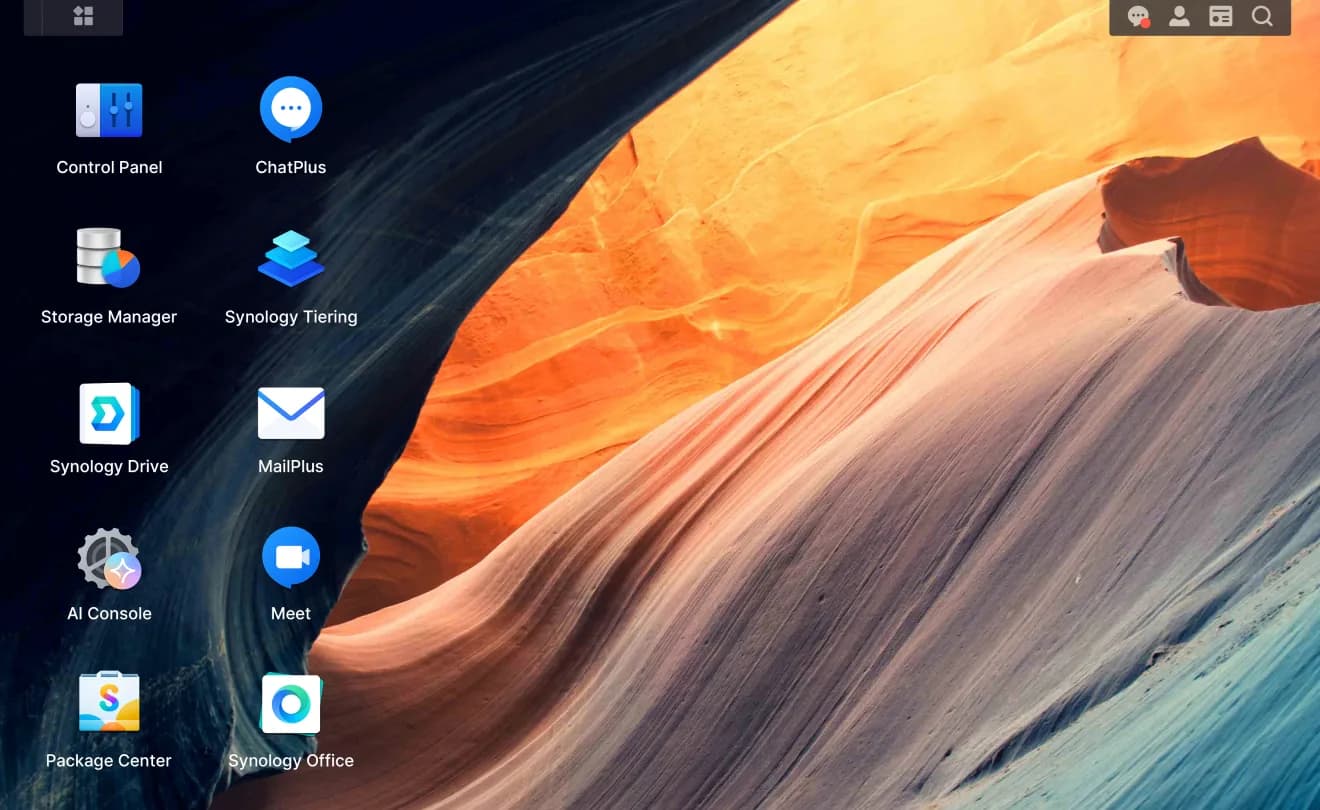
Synology sells network-attached storage appliances that come with DSM, its operating system. The pairing is the product: SHR RAID across the drive bays, Btrfs snapshots, and a suite of first-party apps for files, photos, backup, and camera surveillance, plus Docker containers on the models that support them.
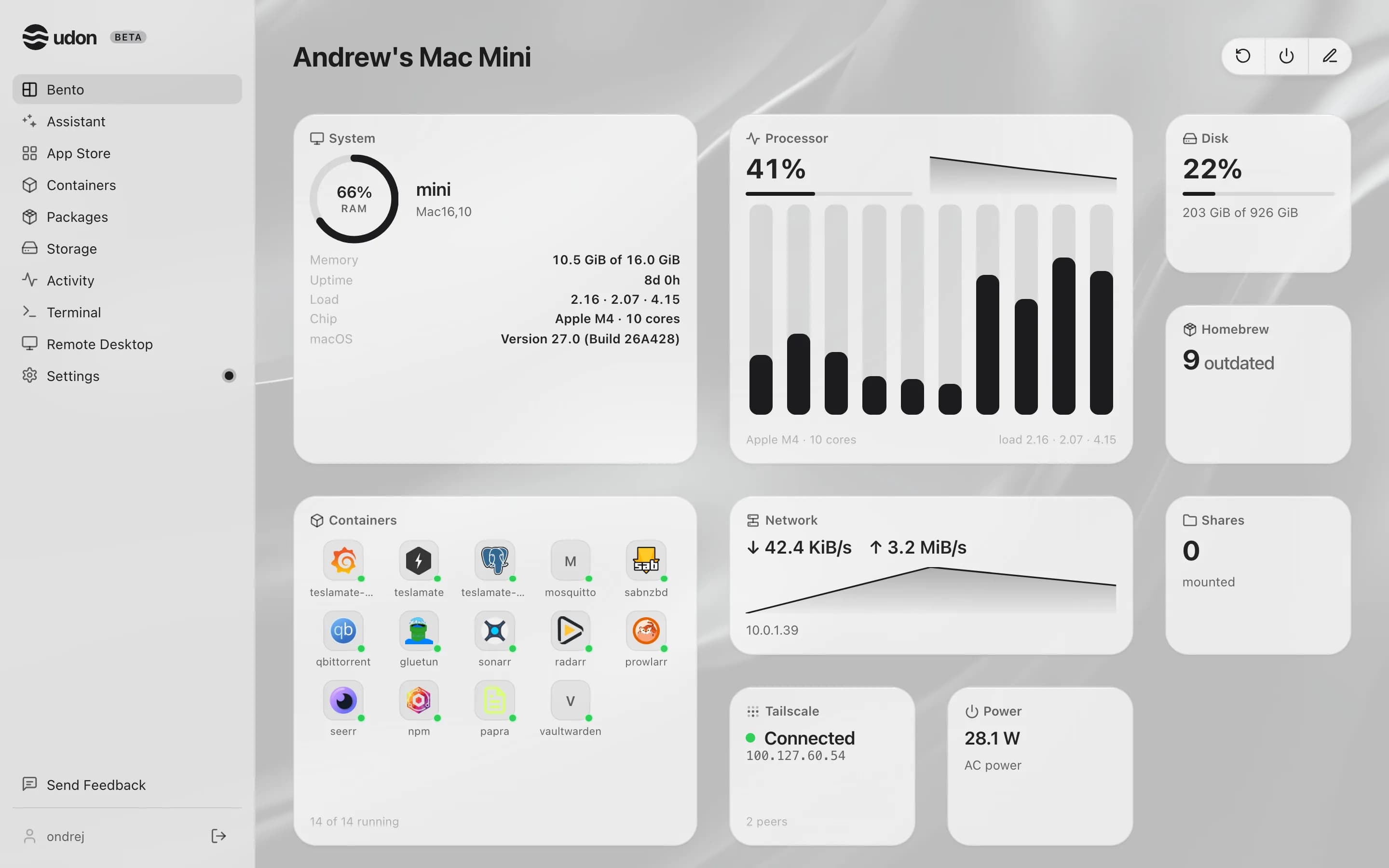
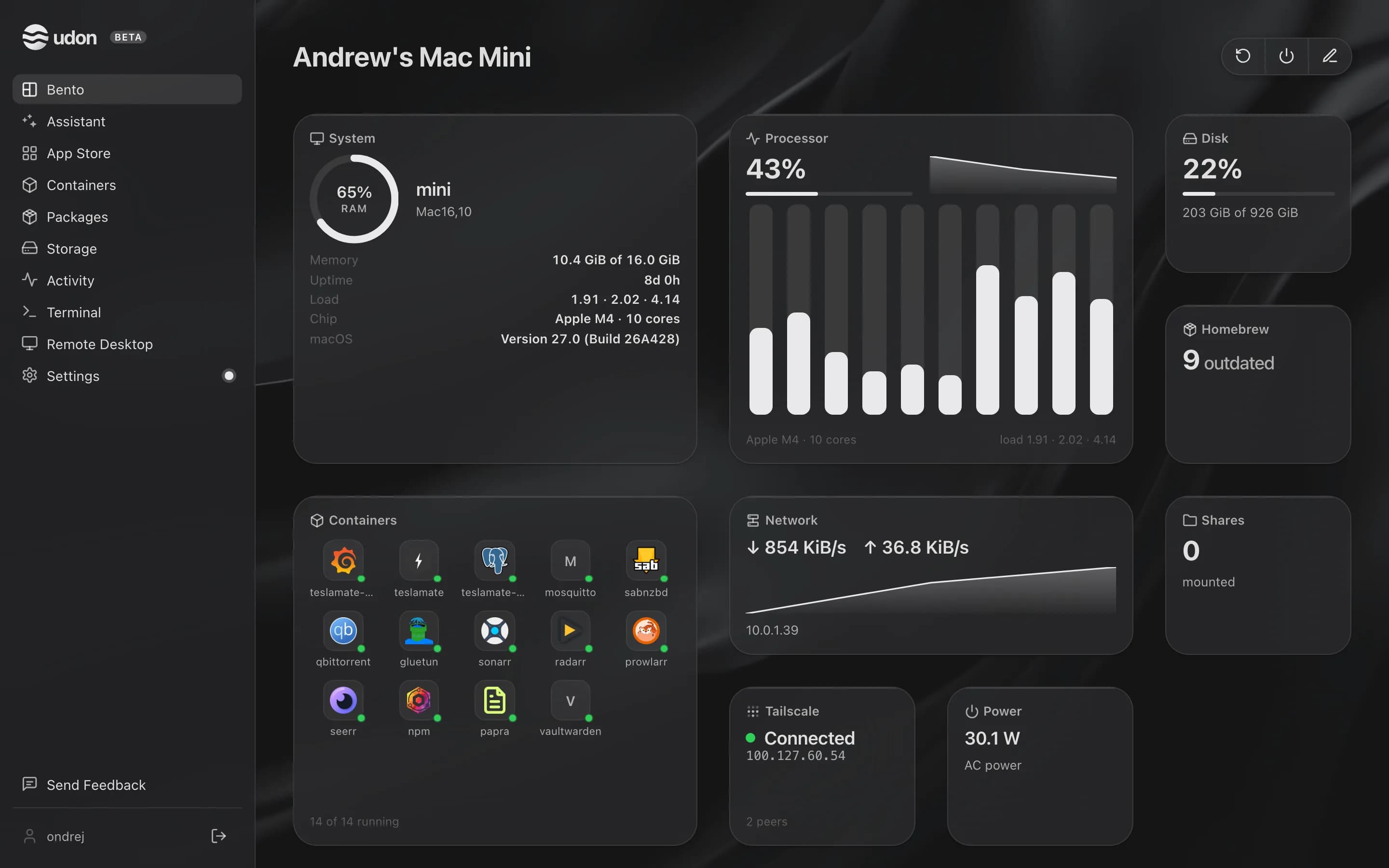
Udon is home server software for Apple Silicon Macs running macOS 26 or later. It runs alongside macOS as a background service and adds a browser dashboard for containers, file sharing, Homebrew packages, remote desktop, and an AI assistant.
The main difference between Synology and Udon
Synology sells the whole appliance: you buy the box, DSM comes with it, and software and hardware are tuned to each other. Udon is software only, and the hardware is the Mac you already own.
The trade is polish for horsepower. Synology's storage and backup software is the most finished in the home NAS world, and its RAID answers are ahead of Udon's (drive pooling is on the roadmap, not shipped). The CPUs in most Synology boxes, though, are modest embedded chips that strain under transcoding and heavier containers. A base Mac mini has performance to spare for both, at a few watts idle, for about the price of a four-bay Synology before drives.
Synology vs Udon side by side
| Synology | Udon | |
|---|---|---|
| Runs on | Synology's own NAS hardware | An Apple Silicon Mac, macOS 26 or later |
| Operating system | DSM, bundled with the box | A daemon on top of macOS |
| Storage | SHR RAID across drive bays, Btrfs snapshots | The Mac's own drives; pooling on the roadmap |
| Containers | Docker via Container Manager, on supported models | Apple Container or OrbStack (Docker-compatible) |
| Compute | Modest embedded CPUs | Apple Silicon |
| Price | The appliance, plus drives | $29 one time per Mac, after a 14-day trial |
Pick Synology when
- You want an appliance: buy it, slot drives in, done.
- SHR RAID and the backup suite are the point of the purchase.
- Camera surveillance or the family photo apps matter to you.
- You want vendor support for hardware and software together.
Pick Udon when
- You own an Apple Silicon Mac and would rather not buy a second box.
- Your workloads want CPU: transcoding, local AI models, heavier containers.
- Remote desktop, Homebrew, and an AI assistant belong in your setup.
- $29 once beats an appliance purchase for what you need.
Try Udon on your Mac
The quickest comparison is Udon on your own Mac. It is free for 14 days, then $29 to own:
curl -fsSL https://udon.sh/install | bash