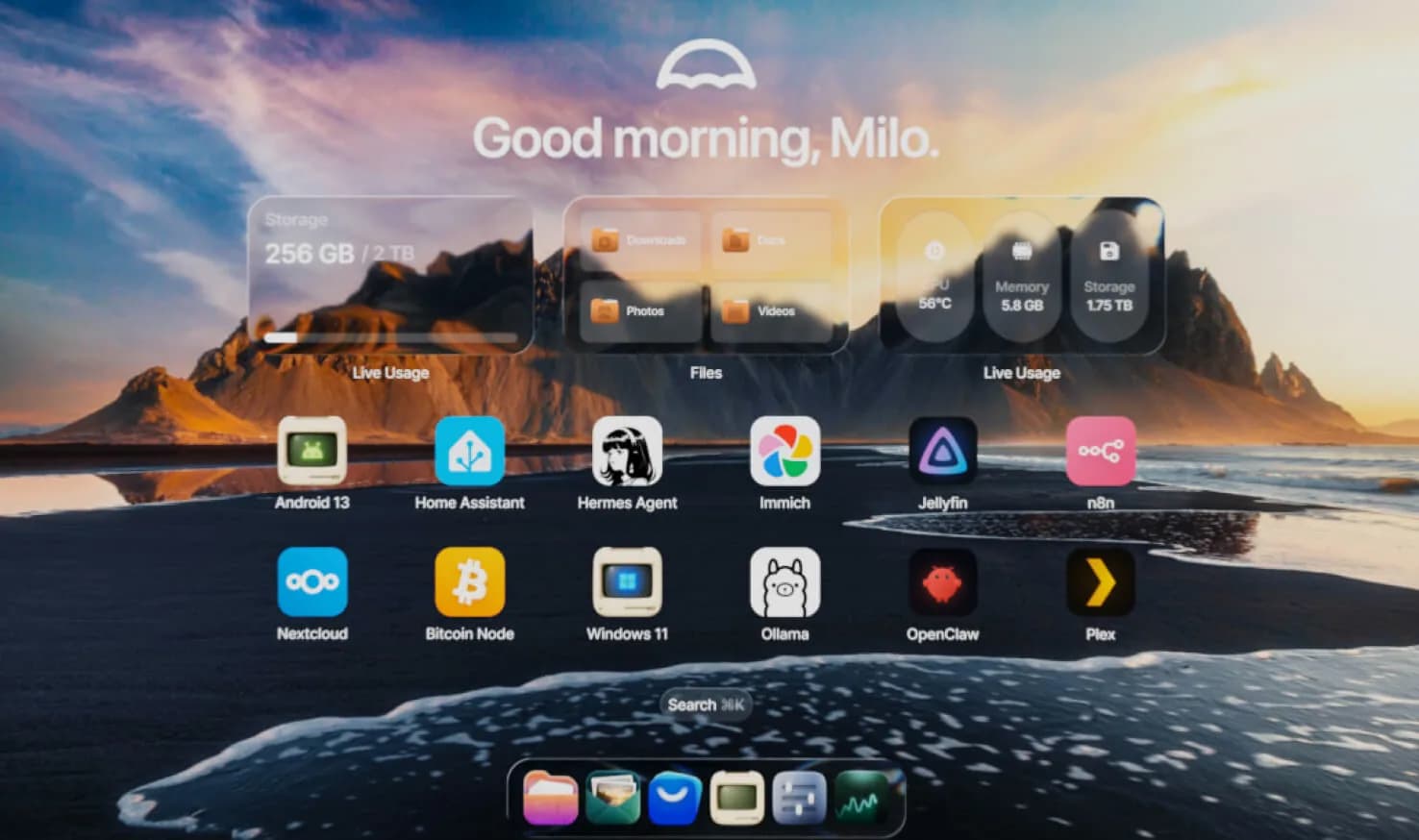
Umbrel makes umbrelOS, a free home server operating system with one of the most polished app stores in self-hosting: one click installs Nextcloud, Jellyfin, Home Assistant, or the Bitcoin node the project started with, all Docker underneath. It runs on a Raspberry Pi or an x86 machine, and Umbrel sells the Umbrel Home appliance for people who want it prebuilt.
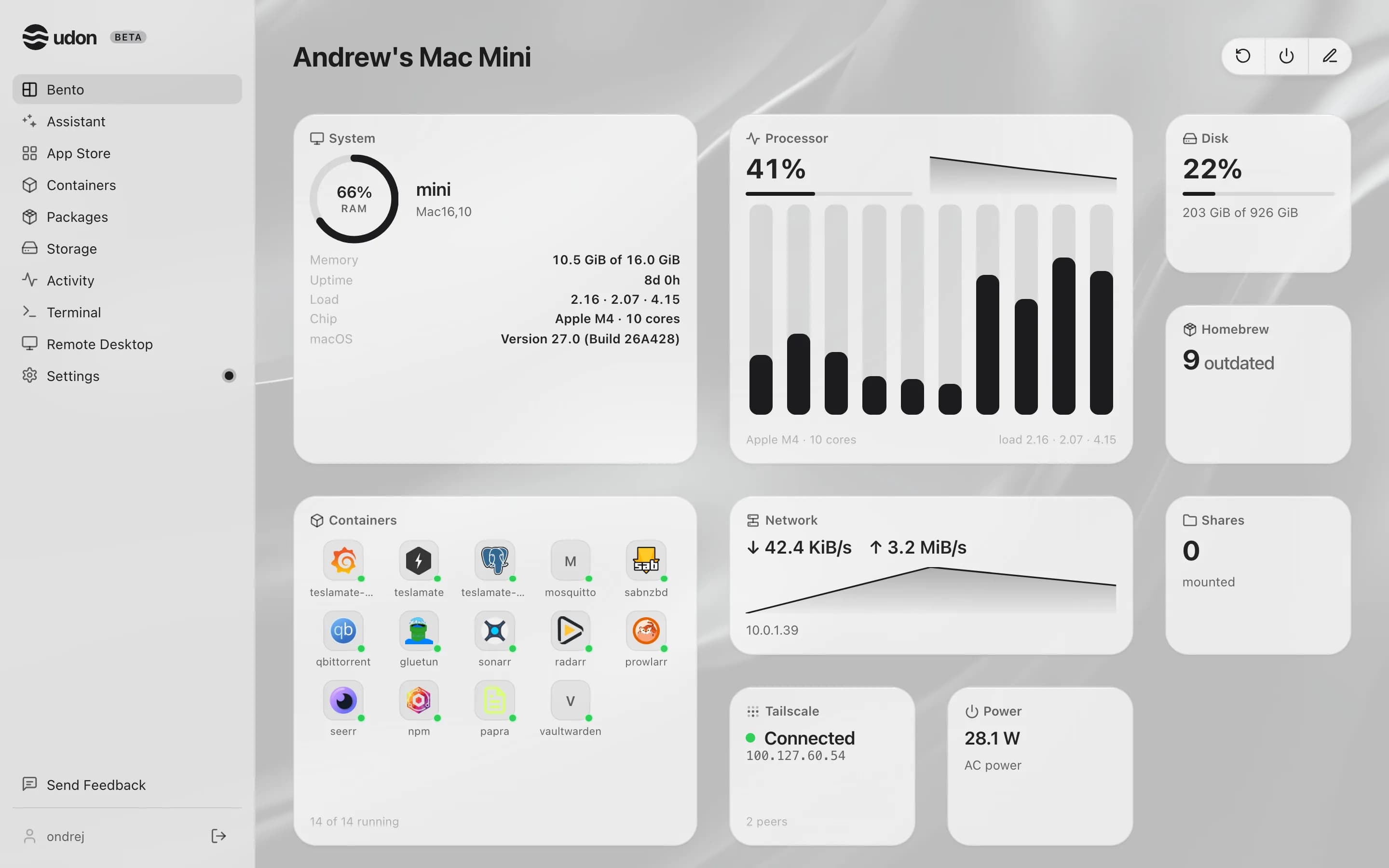
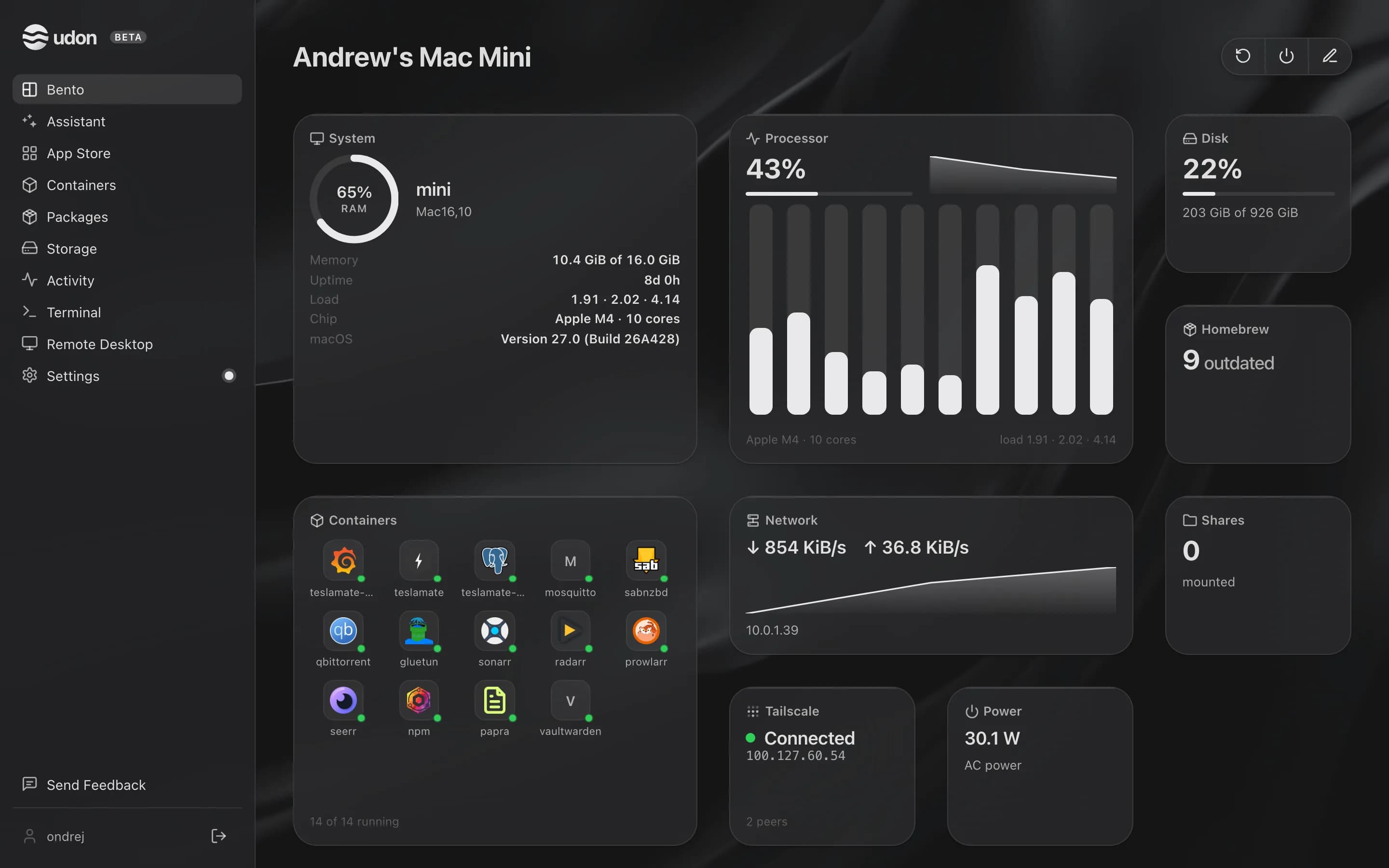
Udon is home server software for Apple Silicon Macs running macOS 26 or later. It runs alongside macOS as a background service and adds a browser dashboard for containers, file sharing, Homebrew packages, remote desktop, and an AI assistant.
The main difference between Umbrel and Udon
Umbrel and Udon aim at the same feeling: a home server that does not feel like system administration. Umbrel gets there by owning the whole machine, its own OS flashed onto inexpensive dedicated hardware. Udon gets there by riding on a machine you already trust, so the Mac keeps its desktop, its apps, and its Apple ecosystem while the daemon serves in the background.
Umbrel is free and happy on a $70 Raspberry Pi you buy for the purpose. Udon costs $29 once per Mac, and the machine it runs on is in a different class: a Mac mini outruns a Raspberry Pi many times over while idling at a few watts like one, starts at $599 new and much less used, and gets macOS updates from Apple for years. If a Mac is already on your desk, the whole price of entry is the license, and Jellyfin transcodes or an AI model have the hardware they want.
Umbrel vs Udon side by side
| Umbrel | Udon | |
|---|---|---|
| Runs on | Raspberry Pi, x86, or the Umbrel Home | An Apple Silicon Mac, macOS 26 or later |
| Operating system | umbrelOS, its own OS | A daemon on top of macOS |
| App model | One-click app store, Docker underneath | App store plus Docker Hub and Homebrew search, on Apple Container or OrbStack |
| Remote desktop | None; apps are web UIs | Built in, to the Mac's screen |
| Mobile | Web apps | Web dashboard; phone apps coming soon |
| Price | Free | $29 one time per Mac, after a 14-day trial |
Pick Umbrel when
- You want a dedicated, inexpensive box like a Raspberry Pi.
- The one-click app catalog covers everything you plan to run.
- You are running a Bitcoin or Lightning node, Umbrel's home turf.
- Free matters more than the hardware sitting in a drawer.
Pick Udon when
- You own an Apple Silicon Mac with headroom to spare.
- Your apps want real horsepower: media transcoding, local AI models, many containers.
- You want remote desktop into a real desktop, plus containers.
- Homebrew and a menu bar app fit how you already work.
- You would rather use hardware you have than buy a box to dedicate.
Try Udon on your Mac
The quickest comparison is Udon on your own Mac. It is free for 14 days, then $29 to own:
curl -fsSL https://udon.sh/install | bash