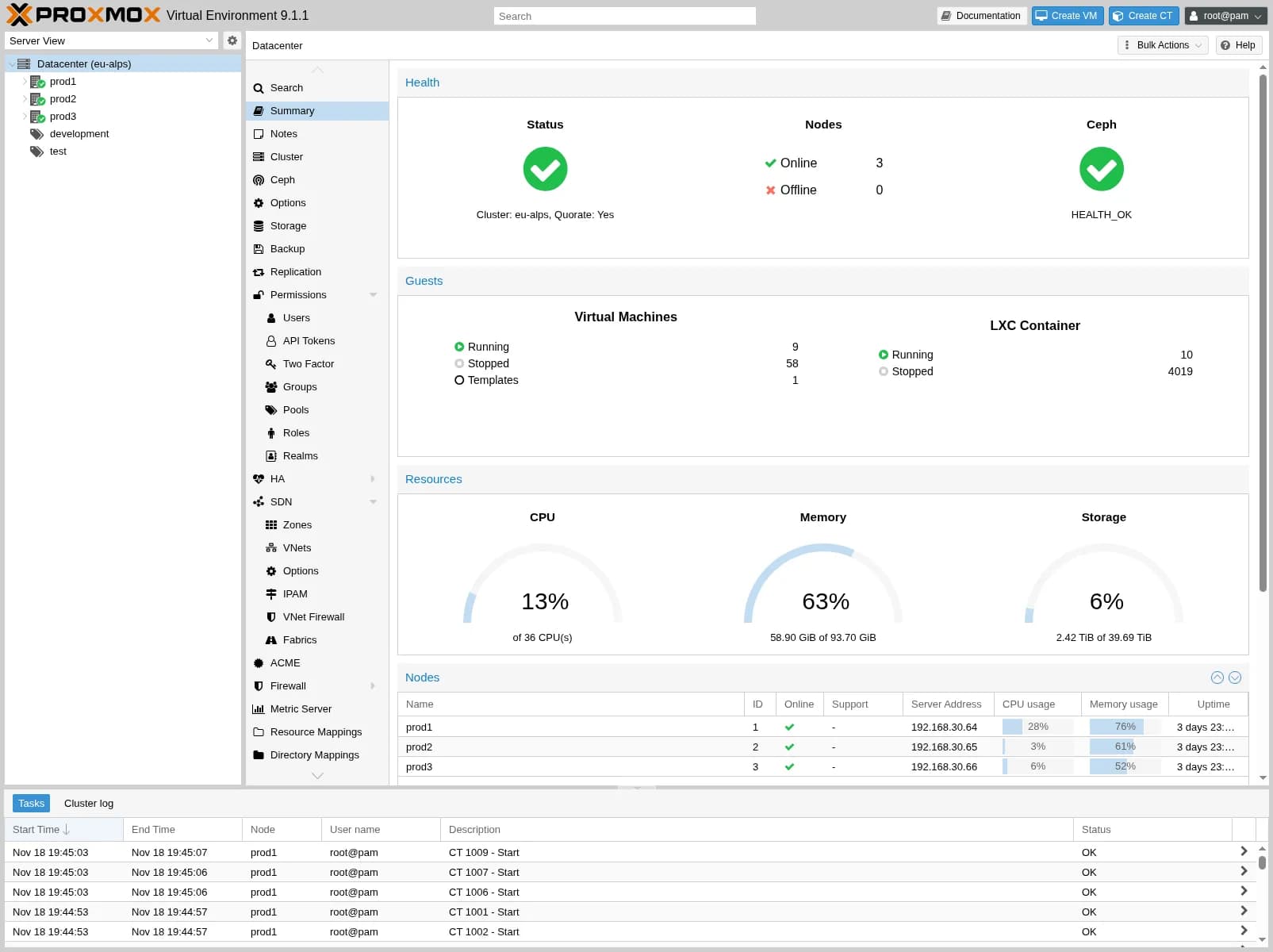
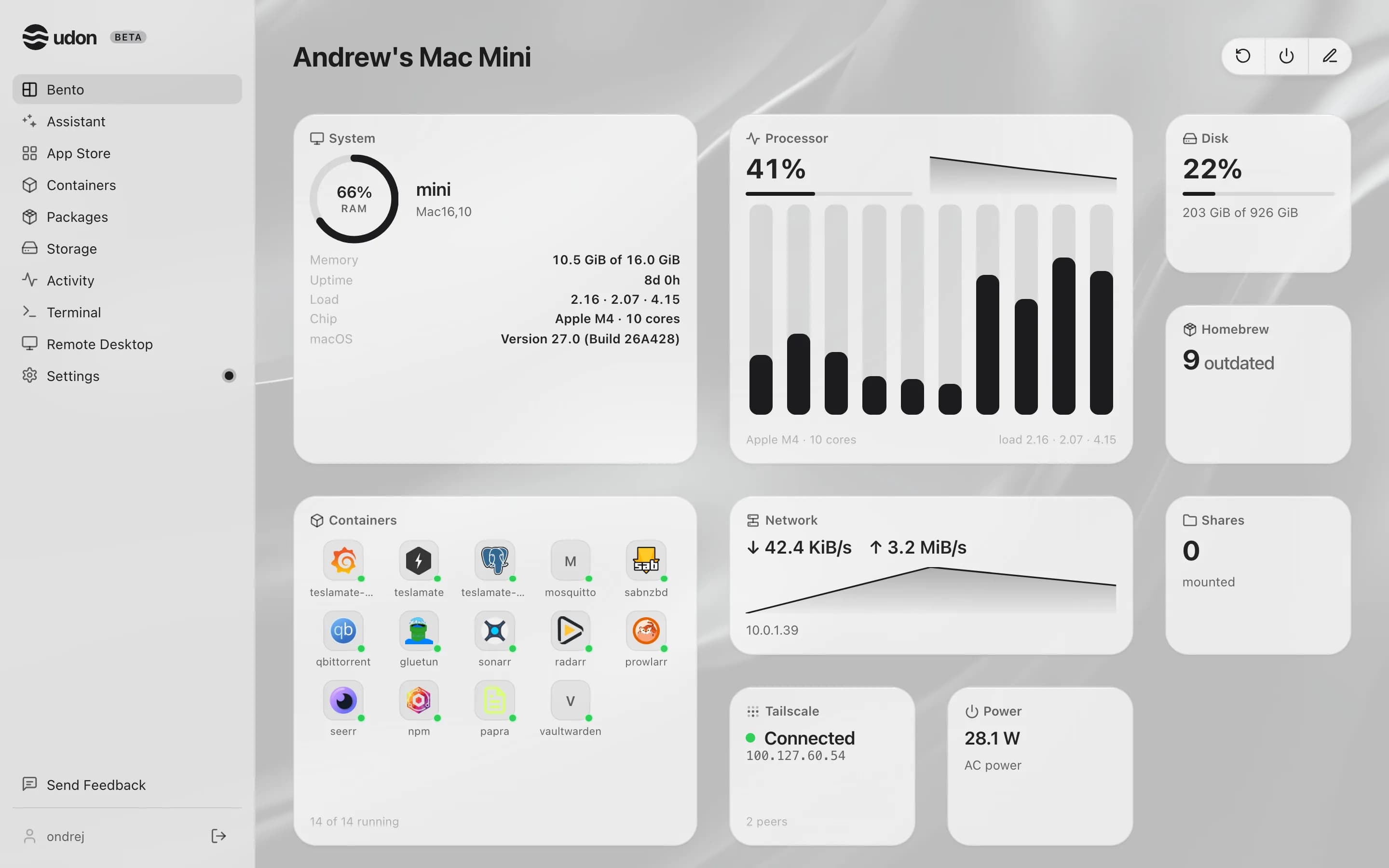
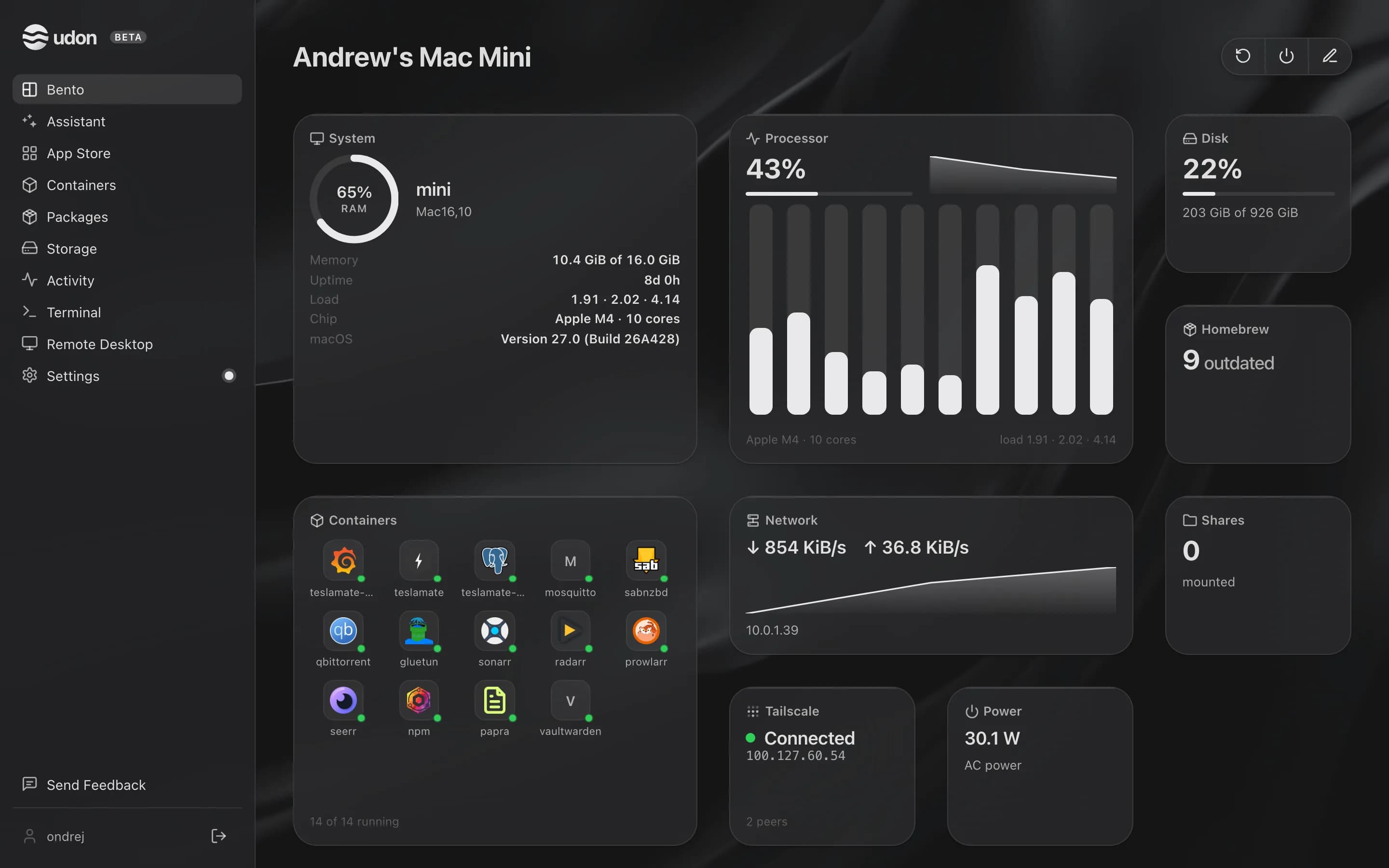
Proxmox VE is a free, open-source virtualization platform from Proxmox Server Solutions. It installs as a Debian-based OS on dedicated x86 hardware and runs KVM virtual machines and LXC containers from a web console, with ZFS storage, backups, and multi-node clustering with high availability and live migration built in. Paid subscriptions add the enterprise repository and support.
Udon is home server software for Apple Silicon Macs running macOS 26 or later. It runs alongside macOS as a background service and adds a browser dashboard for containers, file sharing, Homebrew packages, remote desktop, and an AI assistant.
The main difference between Proxmox VE and Udon
Proxmox is a hypervisor. Its answer to every workload is a virtual machine or an LXC container, and its natural habitat is a dedicated box, or several: clustering, failover, and live migration between nodes are core features. Udon's answer today is containers plus the Mac's own native apps; full virtual machines are on the roadmap but not there yet.
The homelab classic is Proxmox on a used office mini PC, and it is a fine deal. Apple Silicon changes the math for a single-node lab: a Mac mini delivers more compute per watt than the used x86 fleet, in silence, for $599 new, with years of macOS updates ahead of it. A cluster of nodes with failover is a job for Proxmox; one strong, quiet machine that serves all day is a job a Mac does well.
Proxmox VE vs Udon side by side
| Proxmox VE | Udon | |
|---|---|---|
| Runs on | A dedicated x86 machine, or a cluster of them | An Apple Silicon Mac, macOS 26 or later |
| Operating system | Its own Debian-based OS | A daemon on top of macOS |
| Workloads | KVM virtual machines and LXC containers | Containers and native Mac apps; VMs on the roadmap |
| Clustering | Multi-node, with HA and live migration | One Mac per install |
| Storage | ZFS, Ceph, and more | The Mac's own drives; pooling on the roadmap |
| Price | Free; paid enterprise repository and support | $29 one time per Mac, after a 14-day trial |
Pick Proxmox VE when
- Virtual machines are the center of your lab.
- You run several nodes and want failover and live migration.
- You have used x86 hardware to put to work.
- You want free, open-source software with a big community.
Pick Udon when
- Your lab is one machine, and a Mac at that.
- Containers and native Mac apps cover what you run; VMs can come later.
- Performance per watt and silence beat rack presence for you.
- You would rather manage services than a hypervisor.
Try Udon on your Mac
The quickest comparison is Udon on your own Mac. It is free for 14 days, then $29 to own:
curl -fsSL https://udon.sh/install | bash