Stacks
Group related containers into a stack, a Docker Compose project on OrbStack or an Udon group on Apple Container, and start, stop, or restart it as one.
A stack ties related containers together so you can see and act on them as one unit. On OrbStack a stack is a compose project; on Apple Container, which has no compose, it's a group that Udon keeps track of.
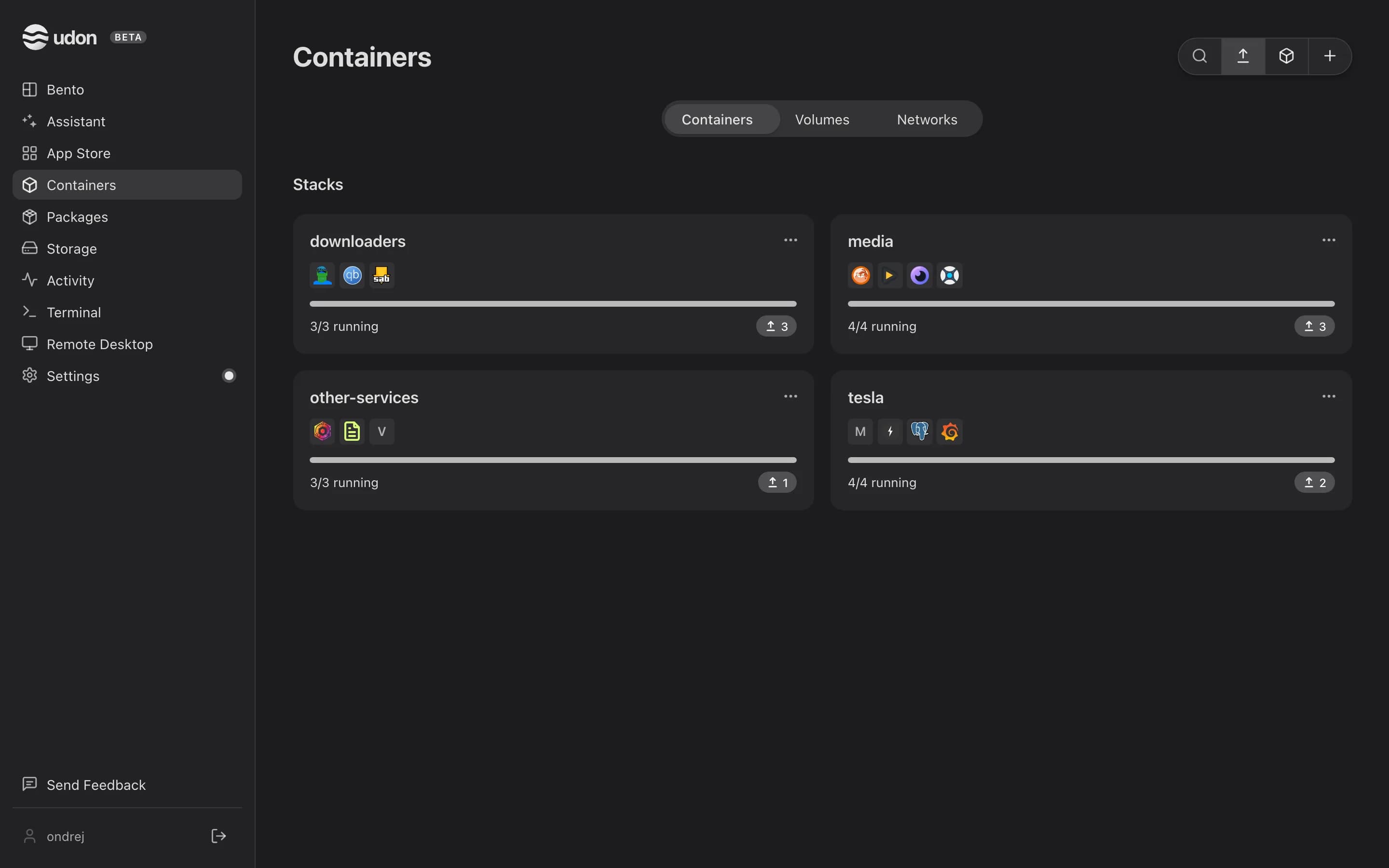
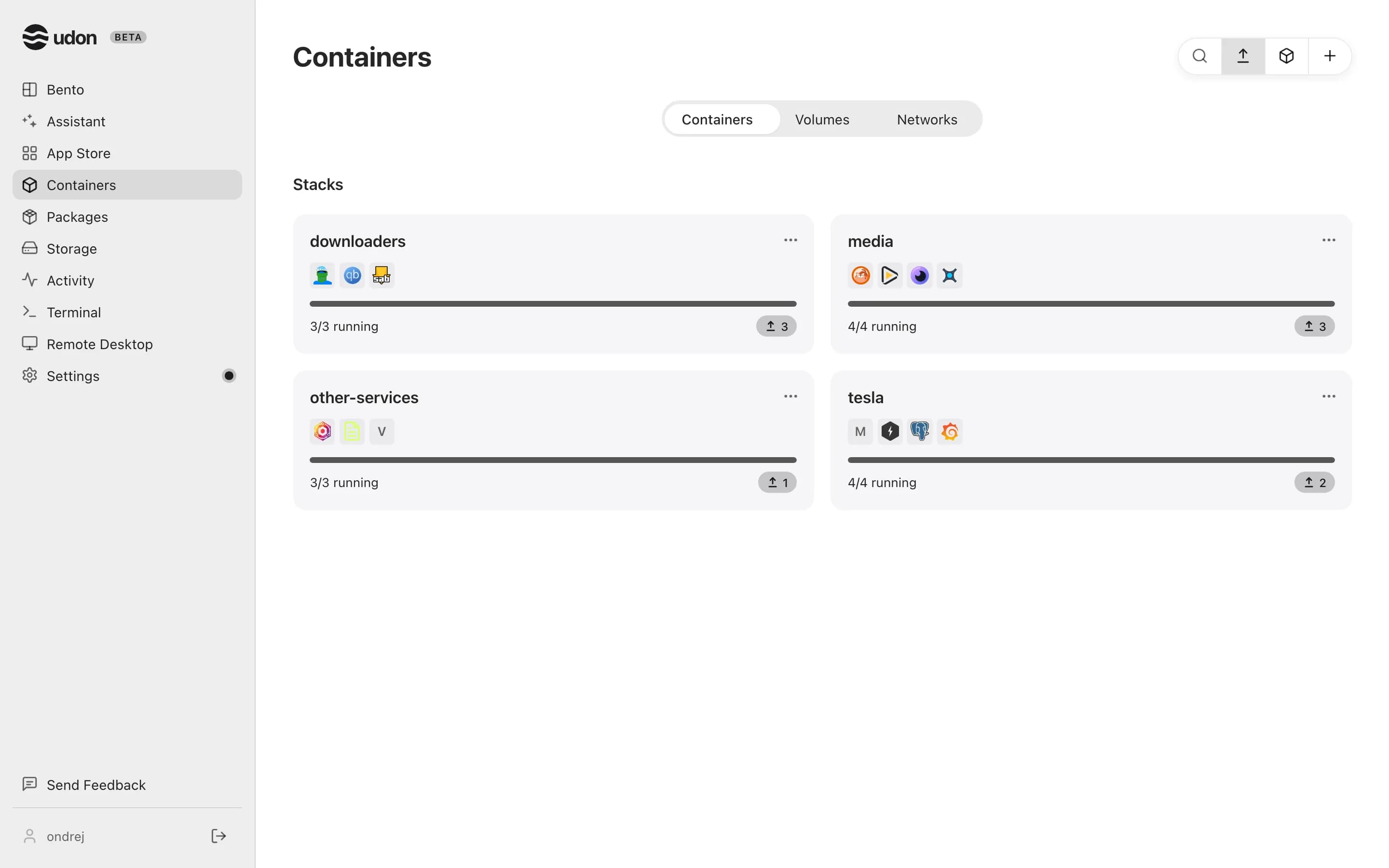
The tile grid
Above the table of loose containers, under Stacks (OrbStack) or Groups (Apple Container), each stack with at least one container shows as a tile. A tile shows the stack's name, up to 10 member logos (stopped members are dimmed), how many members are running, and, when members have newer images, an update chip with the count. The bar under the logos stays neutral while every member runs and turns orange when only some do. Click a tile, or press Enter or Space, to open it. Tiles hide while you search the list.
Creating a stack
Build it in the Composer. When you deploy, every service in the compose file becomes a member of a stack named after the project.
Membership
A container belongs to at most one stack. On Apple Container, Group in a container's row menu moves it to another group, and removing a group's last member deletes the group. Groups track containers by name, so membership survives a recreate or an image update. A compose stack's members come from its compose file.
Group actions
The … menu on a tile, and the same menu at the top of an open stack, acts on the whole stack:
Stop, Restart, Recreate (compose up, which also starts a stopped stack), Edit in Composer, Show on disk, and Delete. Delete runs compose down: every container in the stack is stopped and removed, and named volumes stay. For a stack deployed from the Composer, Udon then deletes the compose file it wrote and leaves any other files in the folder.
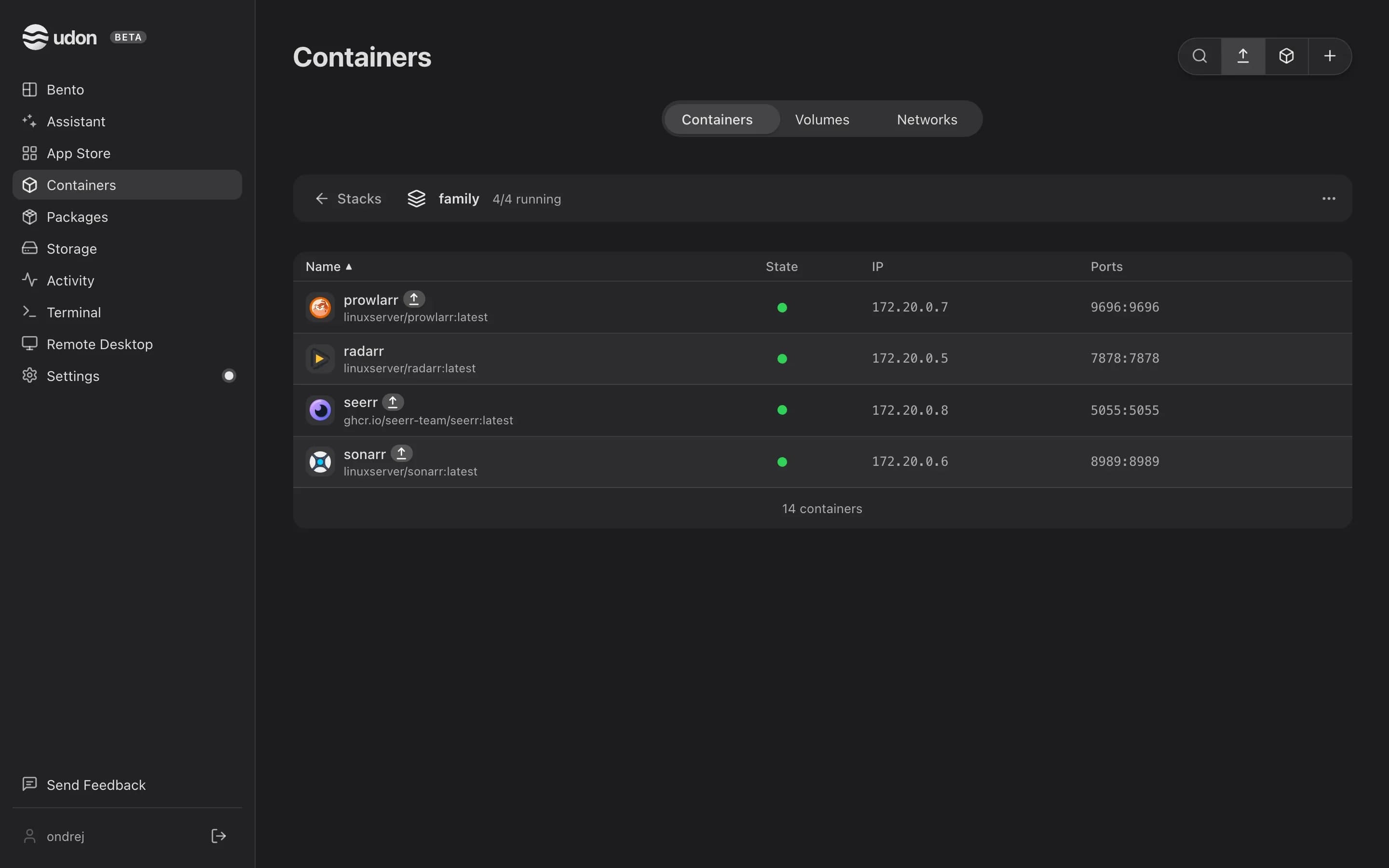
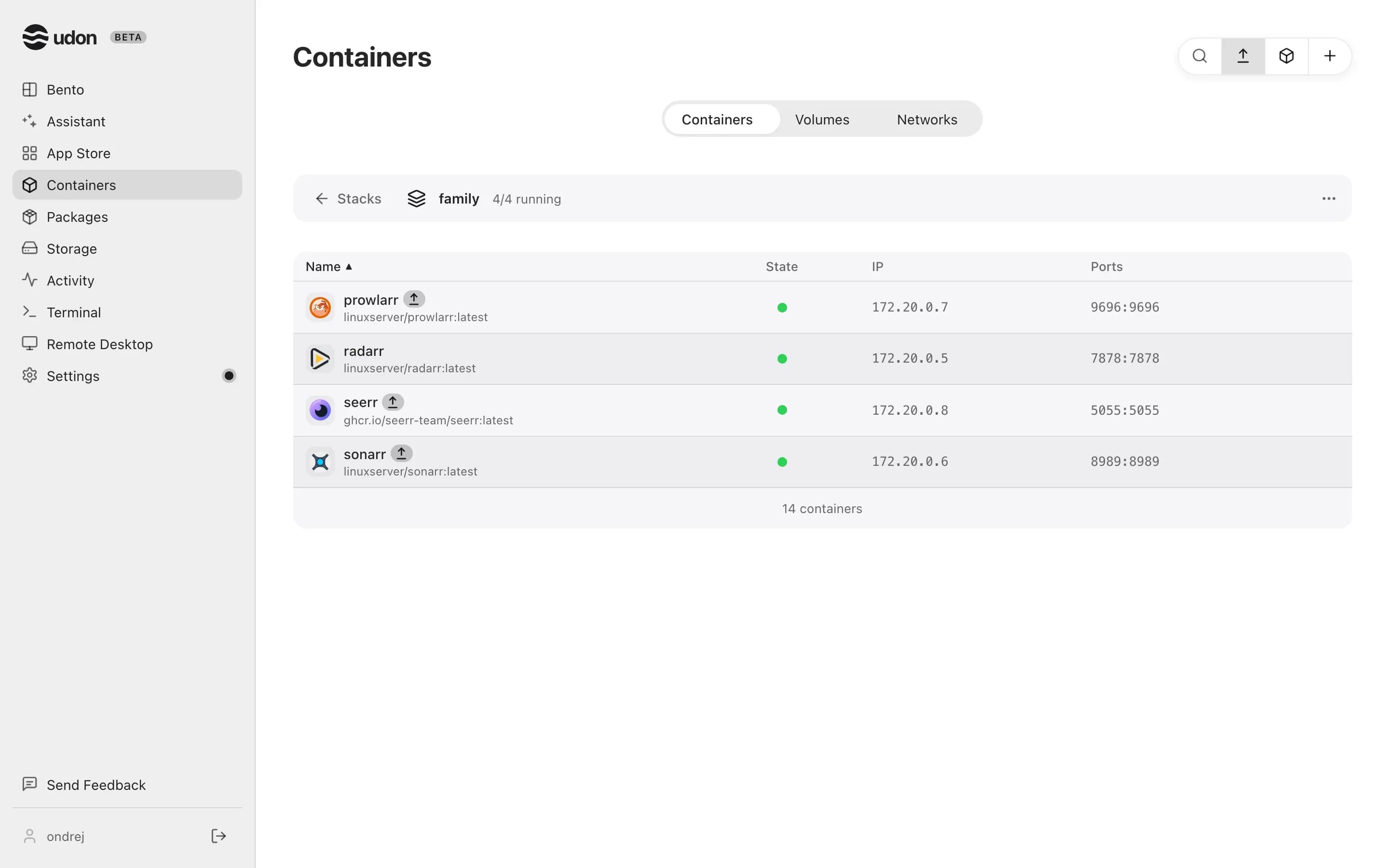
View a stack's members
Click a tile to see only that stack's members, with a back button to the full list. The URL keeps the open stack, so you can bookmark it or reload the page. On Apple Container, each member's row menu adds Remove from group, which takes that one container out of the group.
Deploy a container
Run a container from any image in the Run dialog with its ports, volumes, and environment variables, or build a Docker Compose stack in the Composer.
App Store
Install self-hosted apps from Udon's catalog, any public Docker Hub image, or a Homebrew package on your Mac, with dependencies listed first.